
FREE BRACES COLOR PICKER
Try braces colors before your next appointment.
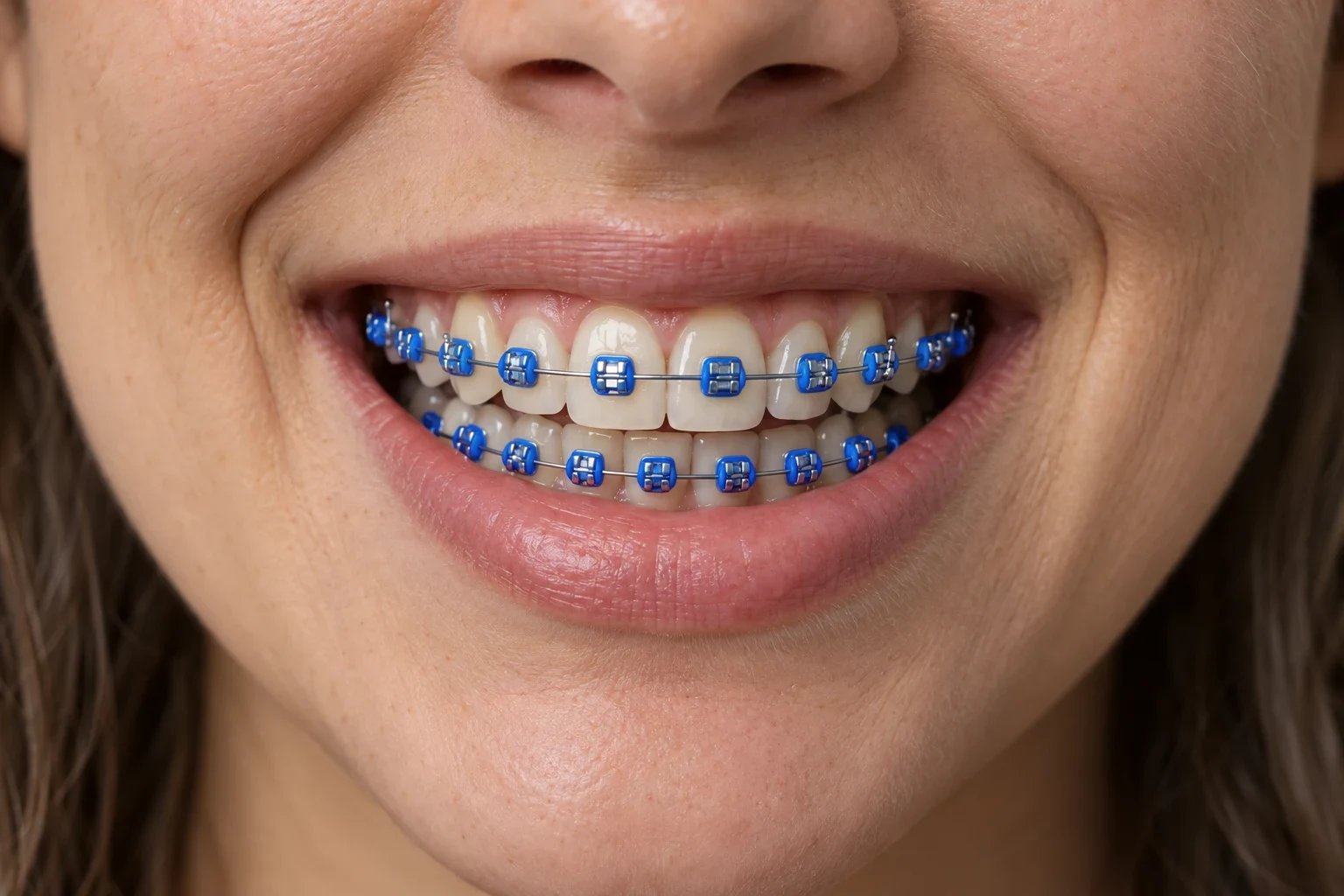
Tap a shade and the elastic ties change on a real smile. Compare single colors and two-color combinations, save the looks you like, and show them to your orthodontist.
Free color picker. No sign-up needed.
Strictly Prohibits Adult/NSFW Content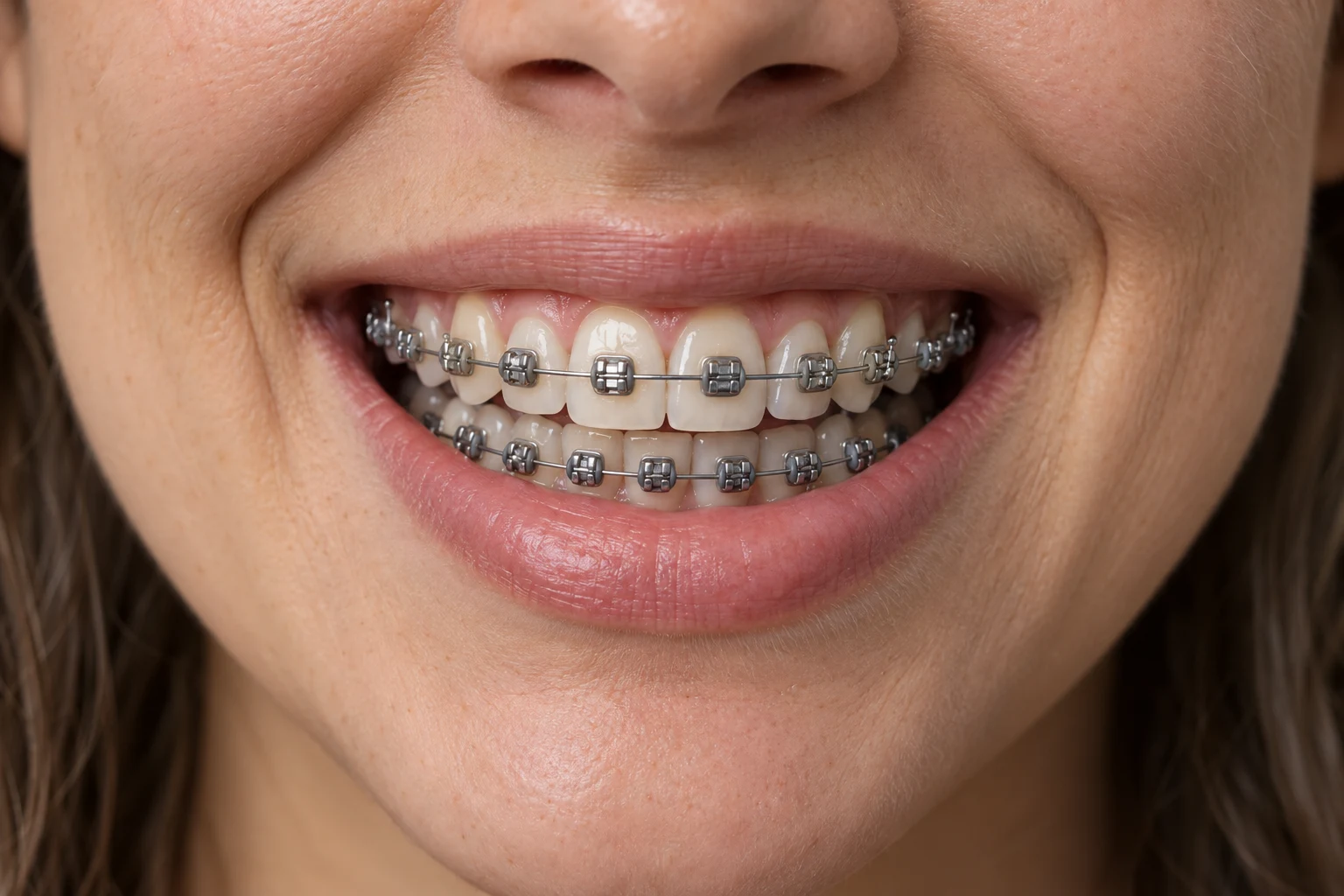
The sample smile was created with AI. Instant colors are a visual mockup; generate your own photo result with Ideogram.
BEST BRACES COLORS
Which braces colors look best?
It depends on the look you want. Tap a card to try it on the smile.
Skip white, yellow and gold if you want whiter-looking teeth: they make yellow tones easier to see. Braces colors that make teeth look whiter →
BETTER TOGETHER
Braces color combinations to try
Tap a pair to see it on the smile. More combination ideas →
MAKE IT PERSONAL
See braces colors on your own photo
Upload a clear smile photo. The colors you picked become the AI instruction, and you get a new image of your smile with those elastic colors.
10 credits per AI image. Single, dual and custom colors cost the same.
See plans and packs →AI preview with Ideogram 4.5 Edit. Results are illustrative; face and tooth details may vary.
Only upload photos you have permission to use. Uploaded files are processed by our storage and AI providers; see Privacy for details.
JPG, PNG or WebP · up to 20 MB · one photo
Your image will appear here
- 01
Compare shades on one smile
Tap the ten preset shades, mix two colors, or choose any custom color.
- 02
Shortlist your favorites
Save combinations in this browser or copy a link to share your colors.
- 03
Show your orthodontist
Your ties are replaced at each adjustment visit. Bring your favorite look and ask which elastic colors they stock.
What color braces should I get?
Start with the look you want: navy, dark purple or deep teal for whiter-looking teeth, silver for a subtle look, bright shades or two colors for fun. Compare them on the sample smile before you decide.
Which braces colors make teeth look whiter?
Dark, cool shades such as navy, dark purple and deep teal. White, clear, yellow and gold can make teeth look more yellow.
How often can I change my braces colors?
The colored elastic ties are replaced at your adjustment visits, which usually come every few weeks. You can pick a new color or combination each time.
Is the color picker free?
Yes. The sample-photo picker changes colors instantly without an account or credits. Generating a personal photo result with Ideogram costs 10 credits.
What actually changes color?
The small elastic ties around the brackets. The sample-photo preview keeps the metal brackets and wire silver.
Will the preview match my braces?
Screen, lighting, elastic brand and your teeth affect the appearance. Previews are inspiration, not a guaranteed match or dental advice.
Is this a subscription?
Monthly plans cost $3.99 for 30 credits, $9.90 for 150, or $14.99 for 300. Credits are added after the first payment and each successful monthly renewal. One-time packs at the same prices add the same credits without renewing. Each AI image uses 10 credits.
What if generation fails?
Confirmed failed generations restore reserved credits. Uncertain provider outcomes stay held until reconciled.
Where are my saved looks?
Color combinations are saved only in this browser. AI generation history is linked to your signed-in account.